Floating browser tabs
Open browser content into always-on-top windows with a keyboard shortcut. Drag a region on screen to place; the window stays above everything else until you close it.

Eight controls included in every PiP window. They live in the toolbar - no menus, no settings deep-dive.
Open browser content into always-on-top windows with a keyboard shortcut. Drag a region on screen to place; the window stays above everything else until you close it.
Toggle a window so clicks and scrolls pass through to whatever is underneath. The PiP becomes a true overlay - visible, but invisible to the cursor. Hover the toolbar to interact with the PiP again.
Adjust transparency per window so context stays in view without blocking the rest of your screen. Bind quick presets (100% / 80% / 60%) to keyboard shortcuts.
Align every active PiP to the left, right, top, or bottom edge in one keystroke. Each panel keeps its other-axis position, and overlapping windows stack with the spacing you set.
Save common positions and sizes, then reopen new PiPs into those slots with one shortcut. Useful when the same dashboard, doc, or video should always land in the same corner of the screen.
Pick an interval per window - 5s, 10s, 30s, 1m, 5m, or 15m - and PipZ reloads the page on its own. Built for dashboards and CI status where you want a near-live view without polling by hand.
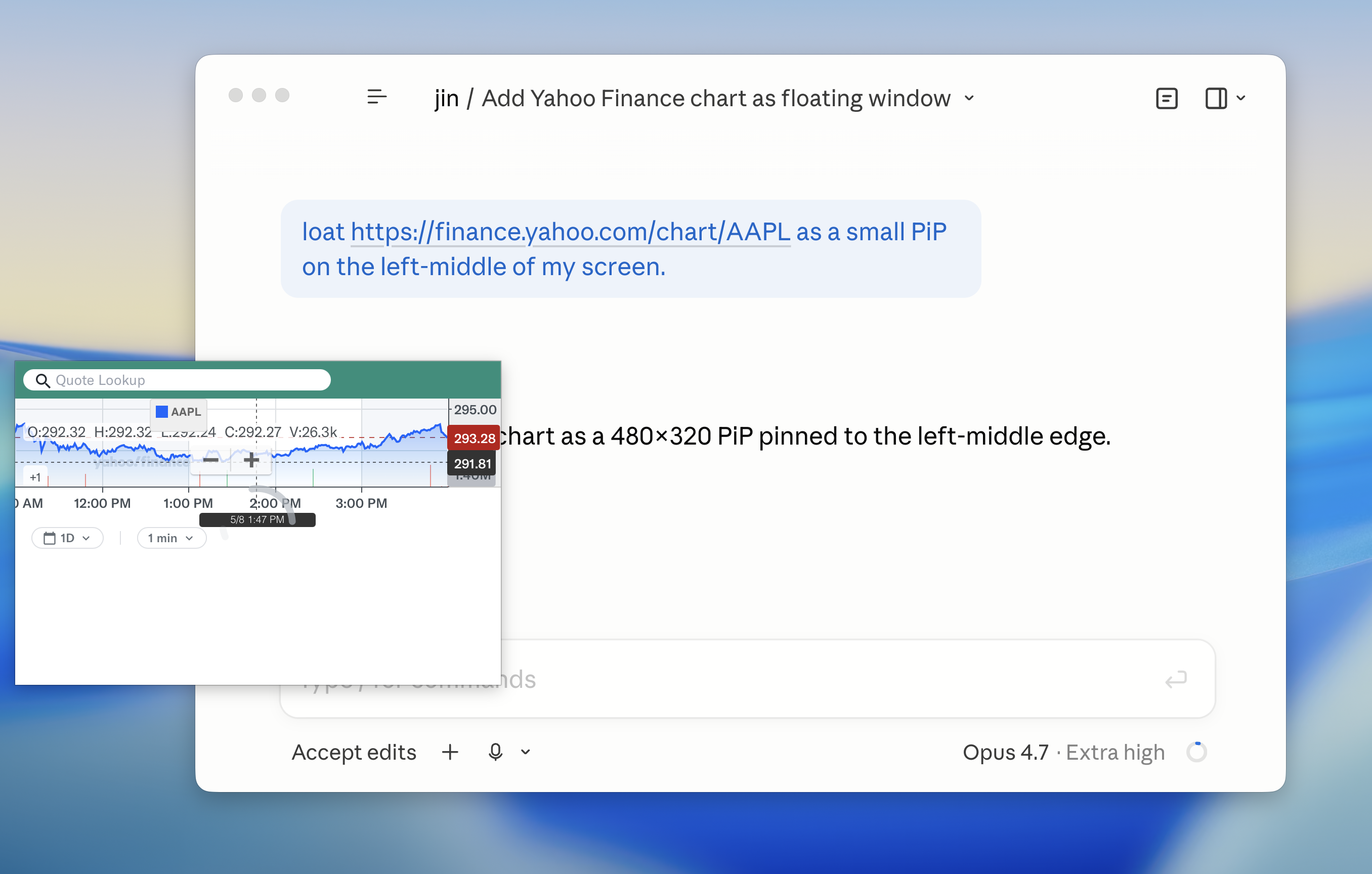
Connect pipz-mcp to Claude, Cursor, Cline, or any MCP-aware client and open, arrange, dim, or close PiP windows with natural language - in English or Korean. The MCP server runs locally; your prompts stay between the client and PipZ.
Press ⌘⌥E to pick any single element on the active browser tab - a video player, a chart, a chat panel - and float just that piece. PipZ reads the element's on-page geometry to size the window so you get the content without the surrounding chrome.